Declined Transactions
Viewing a list of declined transactions
Transactions can be filtered by transaction type to return lists of specific types of transactions, such as “Declined” transactions.
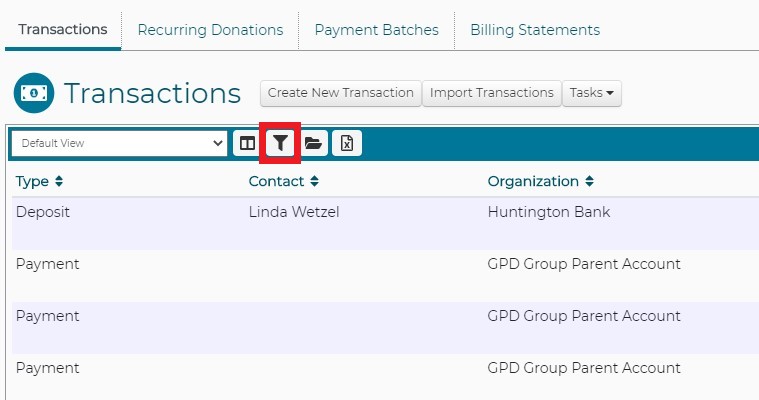
Go to the Transactions menu item in the gray menubar. Click on the funnel icon in the blue bar to open the filter window.
Select “Declined” from the TYPE dropdown. Then click on SEARCH to filter the records.
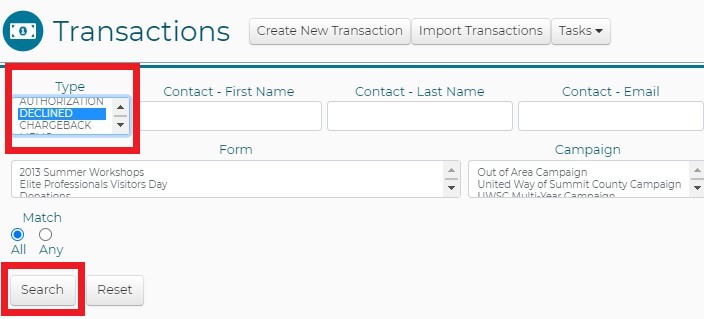
Declined transactions will be visible in the Transactions list.
Viewing a report of declined transactions?
Open the Insights menuitem in the gray menubar. Locate and run the “Declined Transactions” report.
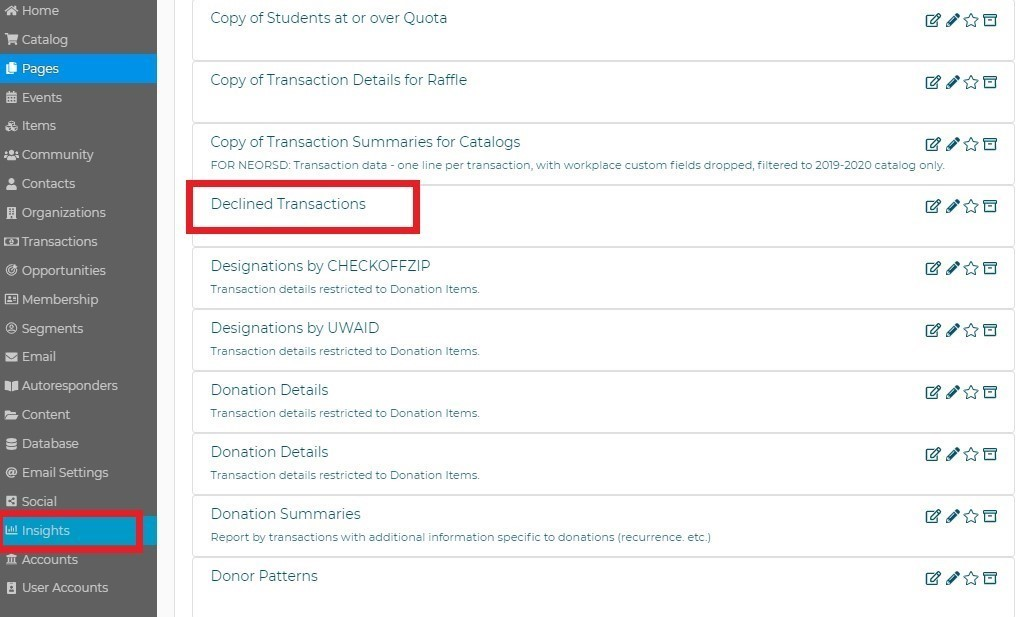
- As with all reports in DonorPoint, the contents of this report may be saved or exported to a csv file.